A practical review guide to portable smart keyboards for tablets, phones, and travel work. Compare size, typing comfort, battery life, connectivity, compatibility, and the features that justify a higher price.
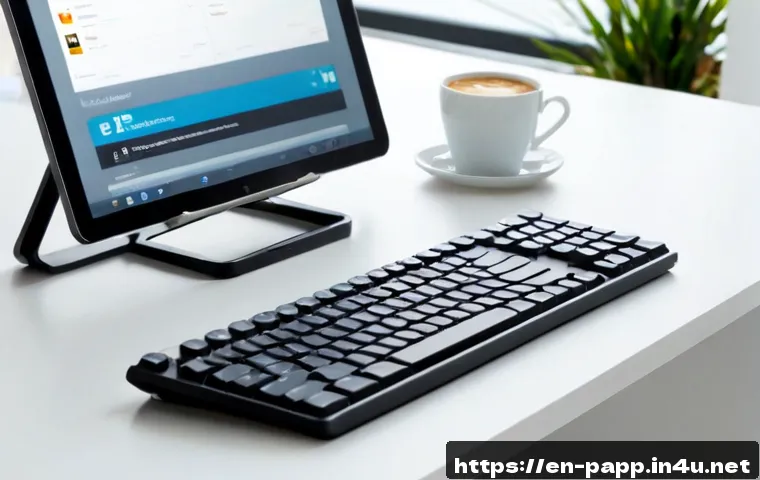
A portable smart keyboard is worth buying when it matches your main device, typing time, and travel routine. Choose a tablet case keyboard for tablet-first work, an ultra-compact model for light travel typing, or a multi-device keyboard if you regularly switch between a phone, tablet, and laptop.
The best value is not always the smallest or most expensive option. Check compatibility, layout, charging method, warranty terms, and the total cost of the setup before placing an order.
A keyboard that feels convenient in a product listing can still be a poor fit if the keys are too cramped or it does not work well with your tablet case.
Quick Overview
- Tablet-first users: A protective keyboard case can keep the tablet and keyboard together, but it may add noticeable weight.
- Travel and occasional typing: A compact standalone Bluetooth keyboard saves bag space, although smaller keys may feel tighter.
- Multi-device users: A keyboard with multi-device pairing can simplify switching between a laptop, tablet, and phone.
| Keyboard Type | Connection Method | Relative Cost Level | Trackpad Availability | Best Use Scenario |
|---|---|---|---|---|
| Ultra-compact standalone keyboard | Usually Bluetooth or USB-C | Lower to mid-tier | Less common | Travel, notes, short documents |
| Tablet keyboard case | Bluetooth or dedicated tablet connector | Mid-tier to premium | Available on some models | Tablet-first work and study |
| Multi-device keyboard | Usually Bluetooth, sometimes USB-C | Mid-tier to premium | Varies by model | Phone, tablet, and laptop switching |
The Quick Answer: Which Portable Keyboard Setup Fits Your Work Style?
Best Fit for Tablet-First Work
A tablet keyboard case is often the simplest option if your tablet is your main device for email, documents, classes, or browsing. The keyboard and tablet travel as one unit, so there is less to pack and fewer accessories to forget. Some designs also offer a trackpad, which may reduce the need to touch the screen repeatedly.
The trade-off is total weight. A protective case can make a thin tablet feel more like a small laptop, so check whether that added bulk fits your daily commute or travel bag.
Best Fit for Travel and Occasional Typing
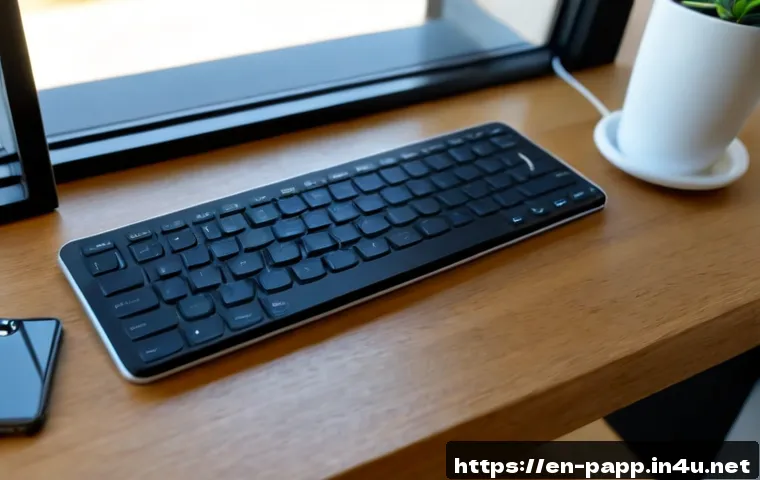
An ultra-compact Bluetooth keyboard makes sense when portability matters more than long typing sessions. It can work well for replying to messages, taking notes, editing short documents, or handling work while away from a desk.
Before choosing the smallest model, consider key spacing. Compact designs save desk space, but tighter keys can be less comfortable for longer writing sessions. A separate tablet stand may also be needed, adding to the total setup cost.
Best Fit for Switching Between Multiple Devices
If you use a phone, tablet, and laptop during the same day, look for multi-device pairing. This feature can make switching between devices easier without treating every connection as a new setup.
Still, do not assume every keyboard supports the same shortcuts or operating systems. Check the supported platforms, pairing instructions, and layout details before buying.
Compare the Features That Matter Before You Buy
Size, Weight, and Packed-Bag Practicality
A portable keyboard should fit the way you actually travel. A very slim model may be easy to carry in a small bag, while a larger keyboard may be more comfortable for regular work. For tablet cases, consider the combined weight of the tablet, case, keyboard, charger, and any stand.
Portability is more than dimensions. Think about whether the keyboard needs a separate stand, protective sleeve, cable, or charger. Those extras affect how convenient the setup feels outside the home.
Bluetooth, USB-C, and Dedicated Connector Options
Portable smart keyboards commonly connect through Bluetooth, USB-C, or a dedicated tablet connector system. Bluetooth is flexible for phones and tablets, while USB-C may suit devices with compatible ports. Dedicated connectors can offer a more integrated tablet experience, but they are usually tied to specific tablet designs.
Compatibility should come before a portable keyboard price comparison. A lower-cost keyboard is not good value if your device lacks the needed port, does not support the connection method, or requires features you will not use.
Key Spacing, Key Travel, and Trackpad Value
Typing comfort depends on the keyboard layout, key spacing, and how the keys feel during use. These details are personal, and real-world comfort cannot be assumed from product photos alone. If you type reports, essays, or long emails, prioritize a layout that looks practical for your hands rather than choosing only by thinness.
A trackpad can be worth paying for when your tablet supports cursor controls and you want a laptop-like workflow. It may be less valuable if you mainly type short notes or prefer using the touchscreen.
Typical Price Tiers and What Added Cost Can Buy
Higher-priced portable keyboards may offer features such as premium materials, backlighting, a trackpad, more flexible pairing, or a more integrated case design. These features can be useful, but only when they solve a real daily problem.
For example, backlighting may matter for frequent use in dim places, while a basic keyboard may be enough for daytime classes or occasional hotel-room work. Compare the keyboard warranty, bundle contents, and replacement options alongside the listed price.
Compatibility Checks That Prevent Expensive Mistakes
Tablet Model, Operating System, and Case Fit
Confirm the exact tablet model, operating system requirements, and connector type before ordering. A keyboard case may fit only a specific tablet generation or design. Even a small difference in camera placement, dimensions, or connector position can affect fit.
If you already use a protective tablet case, check whether it must be removed for the keyboard setup. Not every keyboard works around every case design.
Keyboard Layouts, Shortcuts, and Language Needs
Look closely at the keyboard layout. Shortcut keys, operating system keys, and language layouts can vary. A layout that is familiar for one user may feel awkward for another, especially when symbols or frequently used keys are in different positions.
Check whether the keyboard supports the shortcuts you rely on. This is especially important for students, spreadsheet users, and people who work across different operating systems.
Charging Requirements and Battery Management

Rechargeable keyboards require attention to the charging method, battery indicator, and standby behavior. Check whether the model charges through USB-C or another connection, and consider whether that cable fits the rest of your travel setup.
A battery indicator can be useful when you travel often, but actual battery performance varies by model and usage. Review the product information instead of assuming a specific runtime.
Practical Setup Tips for Work, Study, and Travel
Creating a Comfortable Mobile Typing Position
Place the tablet at a stable viewing angle and keep the keyboard on a firm surface when possible. A compact keyboard is more useful when the screen is easy to see and your wrists are not forced into an awkward position.
Connecting and Switching Devices Reliably
Pair the keyboard before an important class, meeting, or flight. If you use multiple devices, learn the switching process at home so you are not troubleshooting when you need to work quickly.
Protecting the Keyboard During Commutes and Flights
Standalone keyboards can benefit from a sleeve or protected section of a bag. For keyboard cases, make sure the hinge, cover, and tablet attachment remain secure during travel. Slim designs are convenient, but they still need protection from pressure and spills.
Portable Keyboard Trade-Offs You Should Know
When a Slim Case Keyboard Is Enough
A slim case keyboard is a sensible choice when your tablet is used every day and you want one combined package. It reduces setup time and keeps the keyboard close at hand. The main caution is added weight and the possibility of model-specific compatibility.
When a Standalone Keyboard Offers Better Value
A standalone keyboard can offer more flexibility when you own multiple devices or do not want to replace your tablet case. It may also be easier to position at a comfortable distance from the screen. Remember to account for a stand, charging cable, and protective storage if needed.
When a Small Laptop May Be the More Practical Purchase
If you regularly write for long periods, manage many files, or depend on desktop-style software, a small laptop may be more practical than building a tablet accessory bundle. A portable keyboard improves tablet typing, but it does not change the limits of the tablet operating system or apps you use.
Selection Criteria and Comparison Summary
Use this final checklist before choosing a portable smart keyboard:
- Identify your primary device: tablet, phone, laptop, or a mix.
- Decide whether you need a case, a standalone keyboard, or multi-device pairing.
- Confirm the exact model compatibility, operating system support, ports, and layout.
- Consider whether a trackpad, backlighting, or premium materials will be used often enough to justify the added cost.
- Compare the total setup cost, warranty terms, replacement options, and included accessories.
Before ordering, compare current prices, warranty terms, and compatibility details on the relevant product page.
Final Thoughts
The right portable keyboard is the one that supports your normal work pattern without creating extra friction. Tablet users may prefer an integrated case, while travelers may value a lighter standalone option. Multi-device pairing can be useful, but only if it works with the devices you use most. Focus on fit, comfort, and compatibility before paying extra for features that may not matter to your routine.
Useful Information to Keep in Mind
Keep the original charging cable in mind: choosing a keyboard that uses a charging method already common in your bag can make travel simpler.
Check the return and warranty information: typing comfort and connection behavior can be difficult to judge without model-specific use.
Do not overlook the tablet stand: a good keyboard is less useful when the screen cannot stay at a stable angle.
Important Notes
Exact prices, discounts, battery life, key travel, included accessories, and long-term reliability vary by keyboard model and retailer. Bluetooth stability, shortcut support, language layout, and real-world typing comfort should be verified through current product specifications and model-specific reviews. A keyboard may not support every tablet, phone, case, port, or operating system.
Frequently Asked Questions
Q1. Are portable smart keyboards worth buying for a tablet?
A1. They can be worthwhile if you write often on a tablet and want a more comfortable alternative to the touchscreen. A keyboard case is often convenient for tablet-first use, while a standalone keyboard may provide more flexibility for travel or multiple devices.
Q2. Should I pay more for a portable keyboard with a trackpad?
A2. A trackpad may be useful if you want a more laptop-like tablet workflow and your device supports cursor controls well. If you mainly type short messages or use the touchscreen comfortably, it may not justify the additional cost.
Q3. What should I check before buying a Bluetooth keyboard for my tablet or phone?
A3. Check device compatibility, operating system support, keyboard layout, pairing options, charging method, case fit, and warranty terms. Compare current prices and product specifications before making a final choice.